User-Centred Design (Junior Cert Applied Technology): Revision Notes
📚Revision Notes
User-Centred Design
Note
User-Centred Design (UCD)
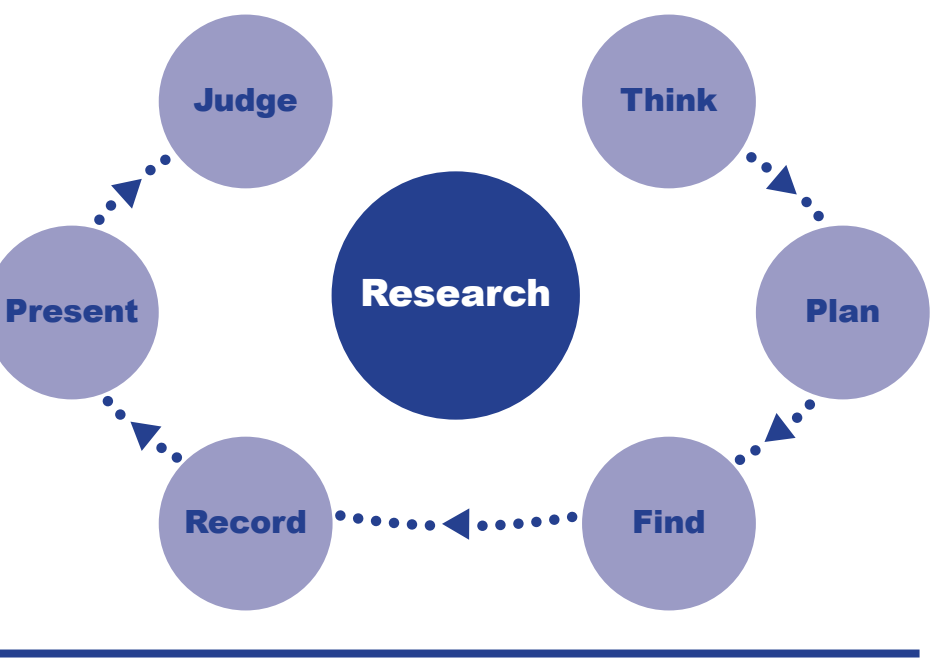
User-Centred Design (UCD) focuses on the needs and limits of end users during the design process. By regularly including user feedback, UCD ensures design choices meet user needs, creating effective and satisfying products.
Definitions
- User-Centred Design: A design approach focusing on user-friendly products.
- Ergonomics: The study of work efficiency, used to improve comfort and productivity in design.
- Design Specifications: Detailed guidelines that a design must meet to satisfy user needs, adaptable with feedback.
- User Feedback: Information from users about their experience with a product, essential for improving the design.
- Anthropometric Data: Measurements of the human body used in design to fit different users.
Importance of User-Centred Design
- Integrated Design Process: UCD ensures designs stay focused on users from start to finish.
- Enhanced Usability: Products made for user needs are easier to use.
- User Satisfaction: Products provide a good experience and meet user expectations.
- Market Success: Satisfied users enhance product acceptance and market success.
- Innovation through Understanding: Leads to creative solutions based on user insights.
Note
Worked Example
Improving an app:
- Get user feedback.
- Find main issues.
- Build a better user interface.
- Test the prototype.
- Release the new app.
Ergonomics and User-Centred Design
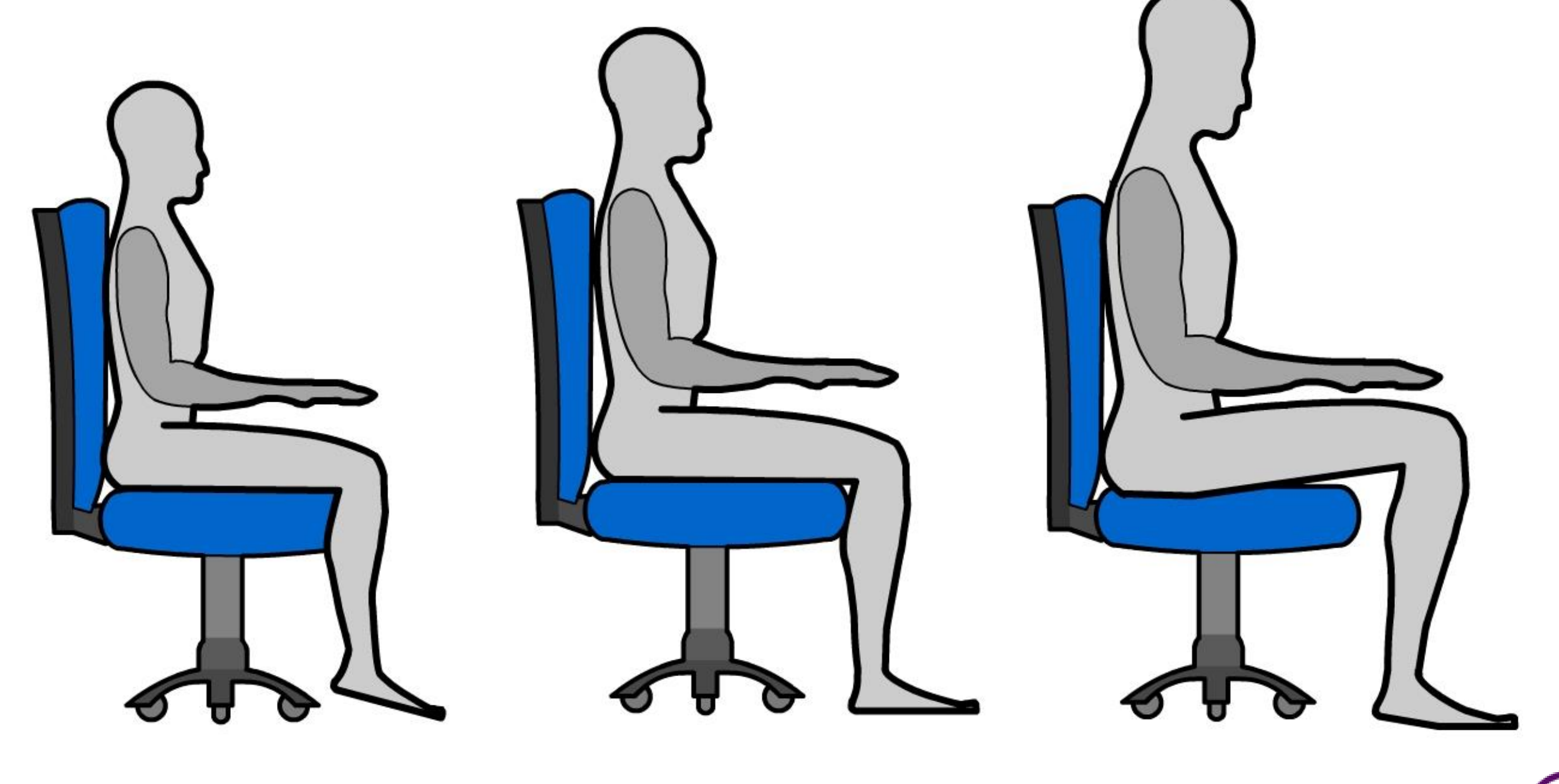
- Examples: Ergonomic chairs improve comfort and decrease fatigue. Tools like adjustable keyboards and screens help different needs.
- Benefit: These solutions increase user comfort, satisfaction, and productivity.
Note
Worked Example
Creating a new keyboard:
- Spot wrist strain as an issue.
- Design a keyboard with soft wrist support.
- Make a prototype.
- Gather user feedback.
- Launch the ergonomic keyboard.
Design Specifications and User Requirements
- Connection: Specifications should align with user needs, acting as guides that adapt with feedback.
Note
Worked Example
Turning user needs into app features:
- Collect user input.
- Set app requirements.
- Draught a technical document.
- Compare with user scenarios.
- Start development.
User Feedback in Design Processes
- Iterative Nature: The design process cycles using user feedback to improve.
- Sequence: Gather feedback → Analyse → Change design → Test with users.
Note
Worked Example
Improving software after testing:
- Testers report issues.
- Developers fix main concerns.
- Release a better version.
Anthropometric Data and Product Design
- Design Application: This data helps make products fit many users by considering different body types.
- Anticipation of Variance: Lets designers predict the needs of various user sizes.
Note
Worked Example
Designing an adjustable bicycle:
- Collect anthropometric data.
- Design adjustable parts.
- Create a prototype.
- Test for fit and comfort.
- Finalise the design.
Note
Summary
- User-Centred Design enhances usability and guides the design process.
- Ergonomics connects design to user comfort, boosting productivity.
- Design specifications must match user needs and adapt with feedback.
- Regular feedback is crucial for continuous improvement.
- Anthropometric data ensures products fit diverse users.